Top 10 Reporting Tools for Marketing Agencies in 2026
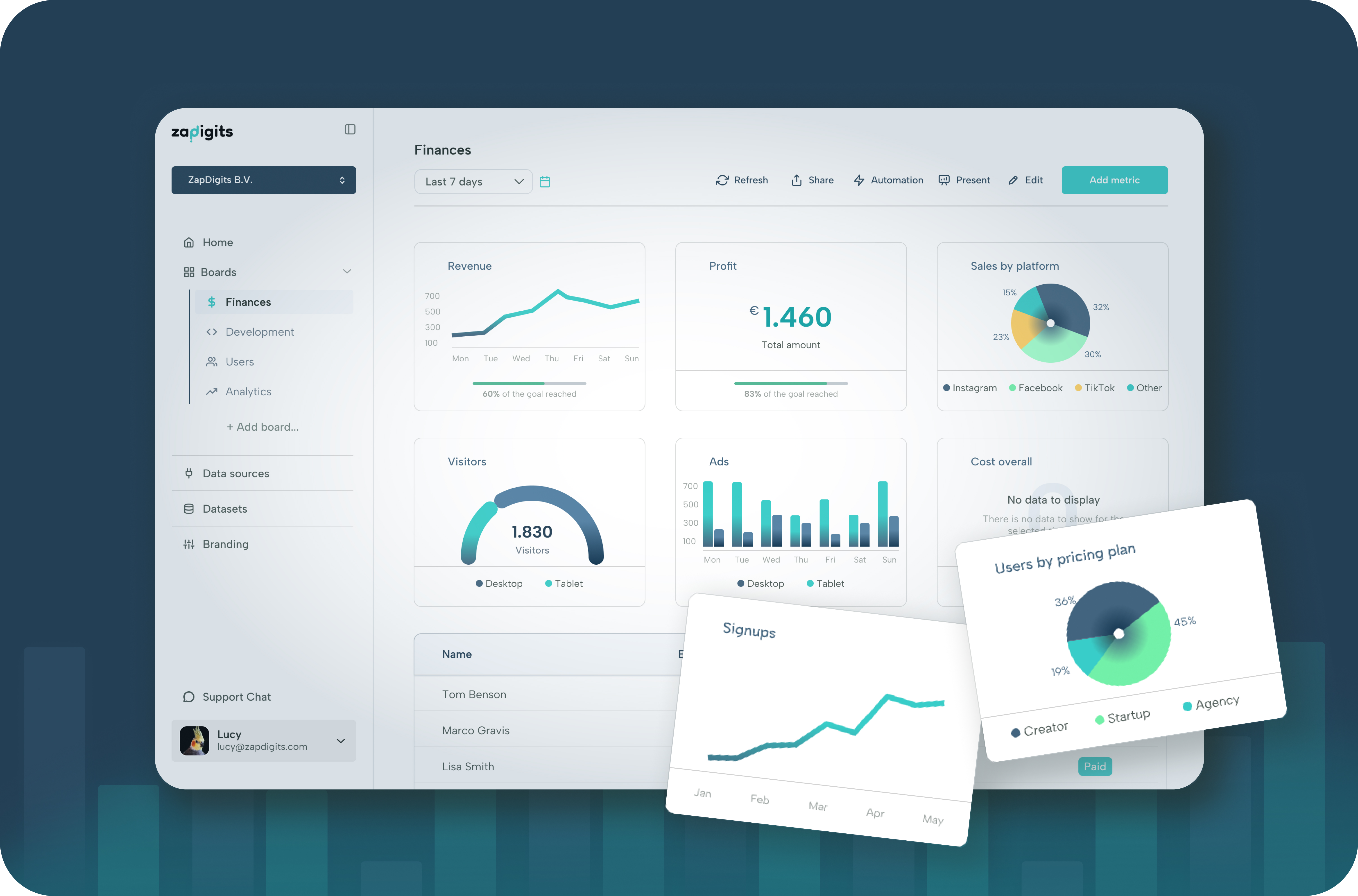
Marketing agencies live and die by clear, accurate, and client-friendly reports. Whether you’re managing paid ads, SEO, social media, or email campaigns, your clients don’t want raw data—they want insights, ROI, and beautiful reports they can understand.
That’s where the right reporting tool makes all the difference.
In this guide, we’ll cover the top 10 reporting tools for marketing agencies, comparing features, use cases, and who each tool is best for. If you’re looking to save time, impress clients, and scale reporting without chaos, this list is for you.
1. ZapDigits – Best Client Reporting Tool for Marketing Agencies 🏆
Best for: Agencies that want automated, branded, client-ready dashboards Website: https://zapdigits.com
ZapDigits is a modern client reporting and marketing dashboard tool built specifically for agencies, startups, and marketing teams. Unlike generic BI tools, ZapDigits focuses on what agencies actually need: fast setup, clean dashboards, and reports clients love.
Why ZapDigits is #1 for Agencies
- Multi-client dashboards (perfect for agencies)
- Connect marketing data sources (ads, analytics, SEO tools, etc.)
- Client-friendly visuals (no data overload)
- Shareable live dashboards instead of static PDFs
- White-label ready for agency branding
- Built for ongoing client reporting, not internal analytics
ZapDigits shines when you want to:
- Replace manual Google Sheets reporting
- Standardize reports across clients
- Reduce time spent on monthly reporting
- Look more professional to clients
👉 If client reporting is a core part of your agency offering, ZapDigits is the best place to start.
2. Google Looker Studio (formerly Data Studio)
Best for: Budget-conscious agencies with technical resources
Google Looker Studio is a free reporting tool widely used by agencies. It integrates well with Google products like Google Ads, Analytics, and BigQuery.
Pros
- Free to use
- Flexible custom dashboards
- Strong Google ecosystem integration
Cons
- Steep learning curve
- Requires manual setup and maintenance
- Limited client experience without heavy customization
Best for agencies that have time to build and maintain dashboards manually.
3. AgencyAnalytics
Best for: SEO and PPC-focused agencies
AgencyAnalytics is a well-known reporting tool built specifically for marketing agencies, especially those focused on SEO and paid ads.
Pros
- Strong SEO integrations
- Automated scheduled reports
- Client portals
Cons
- UI can feel dated
- Limited customization for advanced use cases
- Gets expensive as clients scale
4. Databox
Best for: Agencies that want quick KPI dashboards
Databox focuses on real-time KPI tracking and executive-level dashboards.
Pros
- Fast setup
- Many integrations
- Good for high-level reporting
Cons
- Less flexible for deep client reporting
- Custom reports can be limiting
- Pricing increases quickly with usage
5. Whatagraph
Best for: Visual marketing reports
Whatagraph is known for its clean, presentation-ready reports, especially for social media and PPC campaigns.
Pros
- Beautiful report designs
- Strong marketing integrations
- Easy to generate PDFs
Cons
- Less interactive dashboards
- Can feel rigid for advanced reporting needs
- Higher pricing tiers for agencies
6. DashThis
Best for: Simple, recurring client reports
DashThis is a lightweight reporting tool that focuses on speed and simplicity.
Pros
- Easy to use
- Automated monthly reports
- Good templates
Cons
- Limited customization
- Not ideal for complex reporting
- Less suitable for scaling agencies
7. Supermetrics (with BI Tools)
Best for: Data-heavy agencies with BI experience
Supermetrics is not a reporting tool on its own, but a powerful data connector used with tools like Looker Studio, Power BI, or Excel.
Pros
- Excellent data connectors
- Reliable data pipelines
- Highly flexible
Cons
- Requires additional tools
- Not client-friendly out of the box
- Technical setup required
8. Klipfolio
Best for: Custom real-time dashboards
Klipfolio offers highly customizable dashboards for agencies that want granular control.
Pros
- Real-time data
- Advanced customization
- Strong API support
Cons
- Steeper learning curve
- Not optimized for client reporting UX
- Setup can be time-consuming
9. Tableau
Best for: Enterprise-level agencies
Tableau is a powerful data visualization platform, but often overkill for typical agency reporting.
Pros
- Extremely powerful analytics
- Advanced visualizations
- Scales well for large teams
Cons
- Expensive
- Not built for marketing agencies specifically
- Requires training
10. Power BI
Best for: Agencies already deep in the Microsoft ecosystem
Power BI is Microsoft’s BI tool, commonly used for internal analytics rather than client reporting.
Pros
- Strong data modeling
- Affordable for internal use
- Integrates well with Microsoft tools
Cons
- Not client-reporting focused
- Sharing with clients can be clunky
- Steep learning curve
How to Choose the Best Reporting Tool for Your Agency
When evaluating reporting tools, ask yourself:
- Do we need client-facing dashboards or internal analytics?
- How many clients do we manage?
- Do we want live dashboards or static reports?
- How much time do we want to spend on setup and maintenance?